
 admin
admin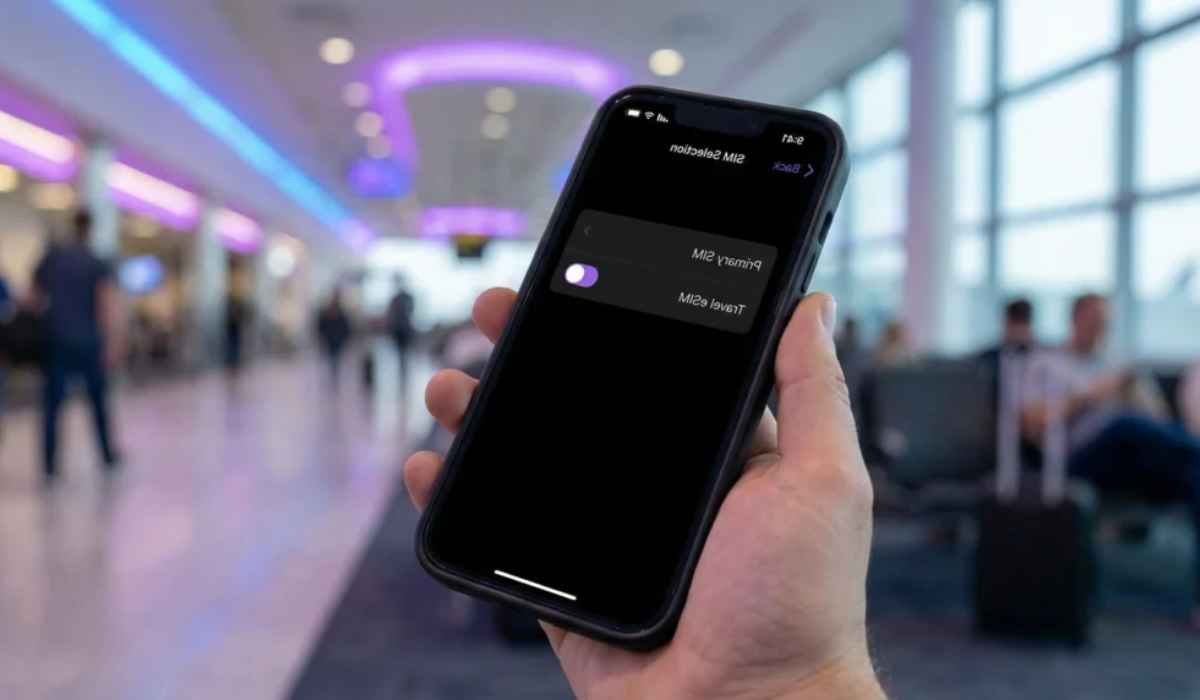
Learning how to use eSIM while traveling can make international trips much easier because you can add a mobile plan without removing your regular SIM card. An eSIM is a digital SIM built into your phone, allowing a compatible carrier plan to be downloaded directly to the device. The GSMA describes eSIM as a secure, remotely provisioned SIM technology that removes the need for a physical card.
For travelers, the biggest advantage is flexibility. You can keep your normal number available while using a separate travel plan for mobile data. This can help you avoid expensive international roaming charges, although the exact cost depends on your home carrier and the travel eSIM provider.
What Is an eSIM for Travel?
An eSIM, or embedded SIM, performs the same basic job as a physical SIM but is built into the phone. Instead of inserting a plastic card, you download a carrier profile to your device.
Travel eSIM providers typically sell plans based on:
- A specific country
- A group of countries or region
- A fixed amount of mobile data
- A set number of days
- Sometimes unlimited data
- Data-only or data-plus-calling options
The plan is normally installed through a QR code, carrier app, or another activation method. Because the profile is downloaded remotely, you do not have to visit a store to replace your SIM.
Why Use an eSIM When Traveling?
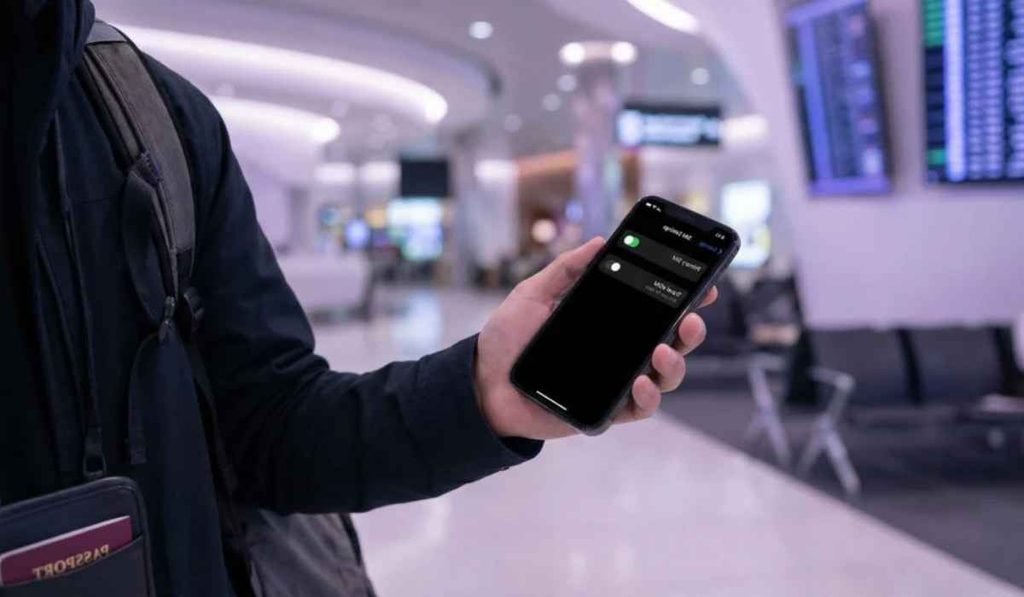
The biggest benefit is that you can separate your home mobile service from your travel data plan.
For example, imagine you are traveling from Pakistan to Italy, France, and Germany. Instead of buying a physical SIM in each country, you could purchase a regional European eSIM that supports all three destinations.
A travel eSIM can offer several benefits:
- No physical SIM card to remove or lose
- Easy digital activation
- Ability to keep your regular SIM installed
- Convenient access to mobile data after landing
- Useful for maps, messaging, ride apps, and travel bookings
- Multiple eSIM profiles may be stored on compatible phones
Google notes that compatible Pixel phones can use eSIMs for international travel, including prepaid plans designed to help avoid roaming charges.
How to Use eSIM While Traveling Step by Step
The process is usually simple, but it is better to set everything up before leaving home.
1. Check if Your Phone Supports eSIM
First, make sure your smartphone supports eSIM technology.
On an iPhone, you can check the cellular settings for an option to add an eSIM. Apple currently supports travel eSIM setup through Settings > Cellular > Add eSIM > View Travel Options on supported devices.
On compatible Google Pixel phones, eSIM support depends on the model and carrier. Pixel devices can support an eSIM alongside a physical SIM, while some newer models and regional versions have different SIM configurations.
Samsung and other Android manufacturers also offer eSIM on selected models, so check the exact phone model rather than assuming every version supports it.
2. Make Sure Your Phone Is Unlocked
A carrier-locked phone may prevent you from using an eSIM from another provider.
Before buying a travel plan, check whether your carrier allows other network providers. An unlocked phone gives you much more freedom when choosing an international eSIM.
This is especially important if you purchased your phone through a mobile carrier with a contract.
3. Choose the Right Travel eSIM Plan
Think about where you are going and how much data you actually need.
| Travel style | Suggested approach | Good for |
| Weekend trip | Small data plan | Maps, messages, email |
| 1-week vacation | Medium data plan | Maps, social media, browsing |
| 2-4 week trip | Larger data plan | Frequent navigation and streaming |
| Multi-country trip | Regional eSIM | Several countries |
| Heavy data use | Large or unlimited plan | Video, hotspot, frequent uploads |
Do not choose a plan only because it says “unlimited.” Check the provider’s fair-use rules, speed limits, hotspot restrictions, supported networks, and validity period.
Also check whether the plan starts when you install it or when it first connects to a supported network. Those rules vary by provider.
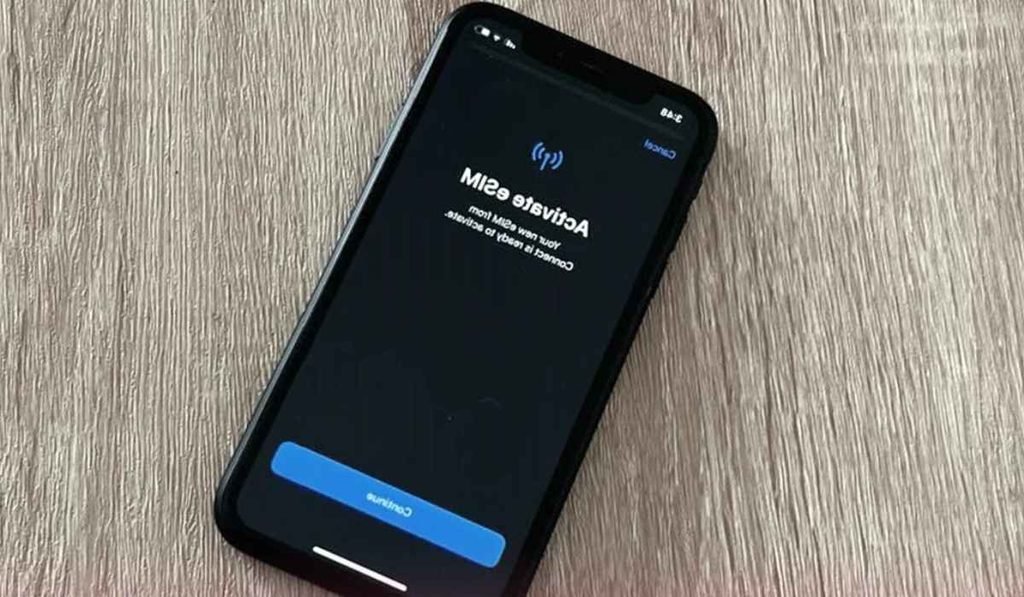
4. Buy and Install the eSIM
After choosing a plan, the provider will normally give you installation instructions.
Common methods include:
- QR code
- Provider app
- Manual activation details
- Automatic installation on supported devices
If you receive a QR code, open your phone’s cellular settings and choose the option to add an eSIM. Scan the code and follow the instructions.
Keep the activation information available until you confirm that the plan works.
5. Label Your eSIM
If your phone contains more than one line, give each one a clear name.
For example:
- Home
- Travel
- Europe
- USA
- Japan
This simple step can prevent confusion later when choosing which line handles mobile data.
How to Use Your eSIM After Landing
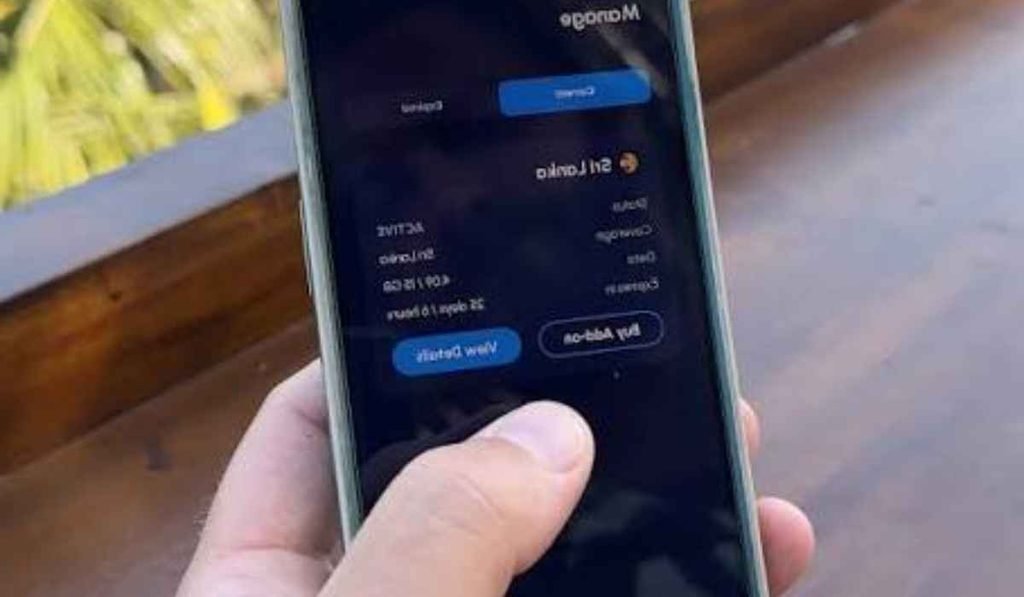
Once you arrive, you usually need to select the travel eSIM as your mobile data line.
On iPhone, Apple lets travelers choose which line provides mobile data. Its current iOS 26 guidance also explains that you can use the travel eSIM alone or alongside your existing eSIM, although using your home line may still result in roaming charges.
The basic process is:
- Open Settings.
- Go to Cellular or Mobile Data.
- Select your travel eSIM.
- Turn the travel line on.
- Select it as the mobile data line.
- Enable data roaming if the travel provider specifically requires it.
- Test the connection by opening a website or map.
The exact menu names vary between phones.
Should You Turn Off Your Regular SIM?
Not always.
If you want to receive calls or texts on your normal number, you may want to keep your home line active. However, you should understand how your carrier charges for roaming.
A safer setup for many travelers is:
- Travel eSIM: mobile data
- Home SIM: calls and texts if needed
- Data roaming on home SIM: off
- Mobile data switching: off when available
This reduces the chance that your phone accidentally switches back to your home line for data.
Apple specifically warns that using both a travel eSIM and the current eSIM can still result in roaming charges on the home line.
How to Use eSIM While Traveling Without Extra Roaming Charges
The key is controlling which SIM handles mobile data.
Before leaving, check your carrier’s international roaming policy. Then configure your phone so the travel eSIM is the default data line.
You should also check:
- Data roaming settings
- Automatic data switching
- Background app refresh
- Cloud photo backups
- Video streaming
- Hotspot usage
Streaming video and automatic photo backups can consume a travel data allowance very quickly.
Using Wi-Fi at your hotel or accommodation for large downloads can help your travel plan last longer.
Can You Make Calls With a Travel eSIM?
It depends on the plan.
Some travel eSIMs are data-only. These plans can still support communication through apps such as WhatsApp, FaceTime, Messenger, Telegram, or other internet-based services.
Other eSIM plans provide a local phone number and may include voice calls and text messages.
Before purchasing, check whether the plan includes:
- Mobile data
- Voice calls
- SMS
- A local number
- Incoming calls
- Hotspot or tethering
If you mainly need Google Maps, translation, messaging, ride-hailing, and online bookings, a data-only plan may be enough.
What If the eSIM Does Not Work?
Do not immediately delete the eSIM.
First try these basic fixes:
- Confirm the travel eSIM is turned on.
- Make sure it is selected for mobile data.
- Check whether data roaming needs to be enabled.
- Turn airplane mode on for about 30 seconds, then turn it off.
- Restart your phone.
- Check the provider’s supported network list.
- Try manually selecting a supported network if automatic selection fails.
- Check that the plan has not expired or reached its data limit.
Deleting an eSIM can make troubleshooting harder because you may need the original activation information to reinstall it.
How to Use eSIM While Traveling Across Multiple Countries
A regional plan can be convenient when your trip crosses borders.
For example, a Europe travel eSIM may cover several destinations under one plan. This means you do not need to install a new SIM every time you cross a border.
However, coverage differs by provider. Before purchasing, check the exact country list and supported networks.
A country-specific eSIM can sometimes be better if you are spending most of your trip in one place and want a local network or larger data allowance.
How to Save Mobile Data on a Trip
Even a large travel plan can disappear quickly if your phone uses data in the background.
Try these settings:
- Download offline maps before departure.
- Disable automatic app updates over mobile data.
- Turn off automatic photo backups while using cellular data.
- Use Wi-Fi for large downloads.
- Lower video streaming quality.
- Disable background data for apps you rarely use.
- Download music and podcasts before traveling.
Also keep a small amount of offline information on your phone, such as your hotel address, booking details, and emergency contacts.
What to Do With the eSIM When You Return Home
You usually do not need to delete the travel eSIM immediately.
You can switch your mobile data back to your regular line and turn off the travel profile. On iPhones using iOS 26, Apple says the travel eSIM can automatically be turned off and the home SIM turned back on when you return, depending on the country or region.
If you travel often, keeping an unused eSIM profile can be convenient, although storage and management options vary by phone.
The GSMA’s current specifications also show that eSIM technology continues to evolve, with active consumer eSIM specifications updated during 2026.
Common eSIM Mistakes Travelers Should Avoid
A few mistakes can cause unnecessary stress.
Installing the plan too early: Some plans begin their validity period when activated or connected, so read the provider’s terms first.
Forgetting to select the travel line: Installing an eSIM does not always mean your phone automatically uses it for data.
Leaving home data roaming on: This can create unexpected roaming charges.
Ignoring network compatibility: An eSIM may be valid for your country but still depend on specific local networks.
Deleting the profile too soon: Keep it until you are sure you no longer need it.
Skipping the setup test: If possible, install and configure the eSIM while you still have reliable Wi-Fi and your normal cellular service.
FAQs
- What is the easiest way to use eSIM while traveling?
- Buy a compatible travel plan, install it before departure, then select it as your mobile data line after reaching your destination.
- Can I use my regular SIM and a travel eSIM together?
- Yes, compatible phones can often keep both lines active, but your home carrier may charge roaming fees if its line is used.
- Do I need Wi-Fi to install a travel eSIM?
- You normally need an internet connection to download the eSIM profile, so Wi-Fi is recommended before your flight.
- Can I use a travel eSIM in multiple countries?
- Yes, if the plan specifically supports those countries or offers regional coverage.
- Does every phone support travel eSIMs?
- No, eSIM support depends on the phone model, region, and carrier, so compatibility should be checked before purchase.
Once you understand how to use eSIM while traveling, the process becomes fairly simple. Set it up before your trip, choose the correct data line after landing, keep your home line under control, and monitor your data use. A few minutes of preparation can save you from searching for a SIM shop after a long flight.